All tutorials

Troubleshooting

Low signal or bandwidth troubleshooting — Android

Fix signal and bandwidth warnings in the mobile app and tune the audio/video settings.

For high‑quality remote access and gaming, your Wi‑Fi or mobile connection must provide sufficient signal and bandwidth.

Low signal or bandwidth warnings

When the app detects a problem it shows a Low signal or bandwidth popup, which you can silence with Do not show this message again.
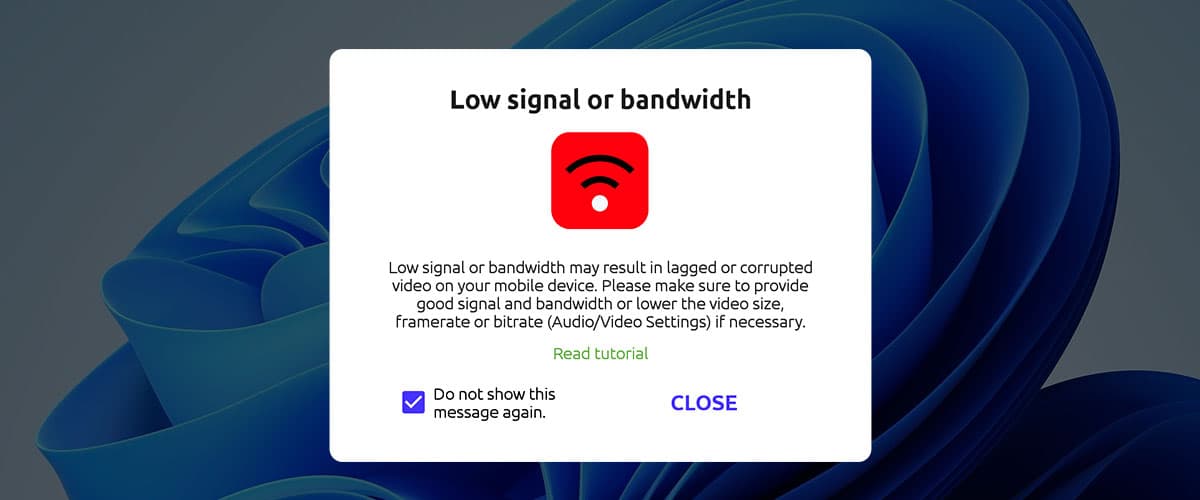
Warning popup

A small warning icon at the top of the screen also indicates signal or bandwidth problems.
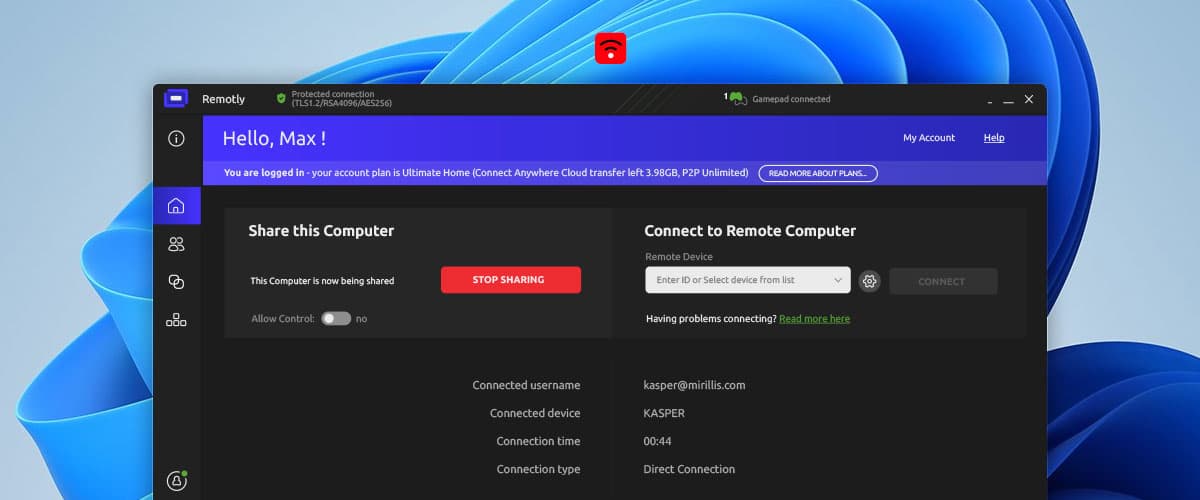
Warning icon

Low signal troubleshooting

Make sure both your mobile device and your PC have good signal quality; move closer to the Wi‑Fi access point if needed.

Low bandwidth troubleshooting

  • Close bandwidth‑consuming software and devices in your network (torrents, downloads, streaming).
  • Switch to 5 GHz or 6 GHz Wi‑Fi if your devices support it.
  • Switch your mobile connection to 4G/LTE or 5G.

If problems persist, open Audio/Video Settings in the app and use lower values for Video size and Maximum bitrate.
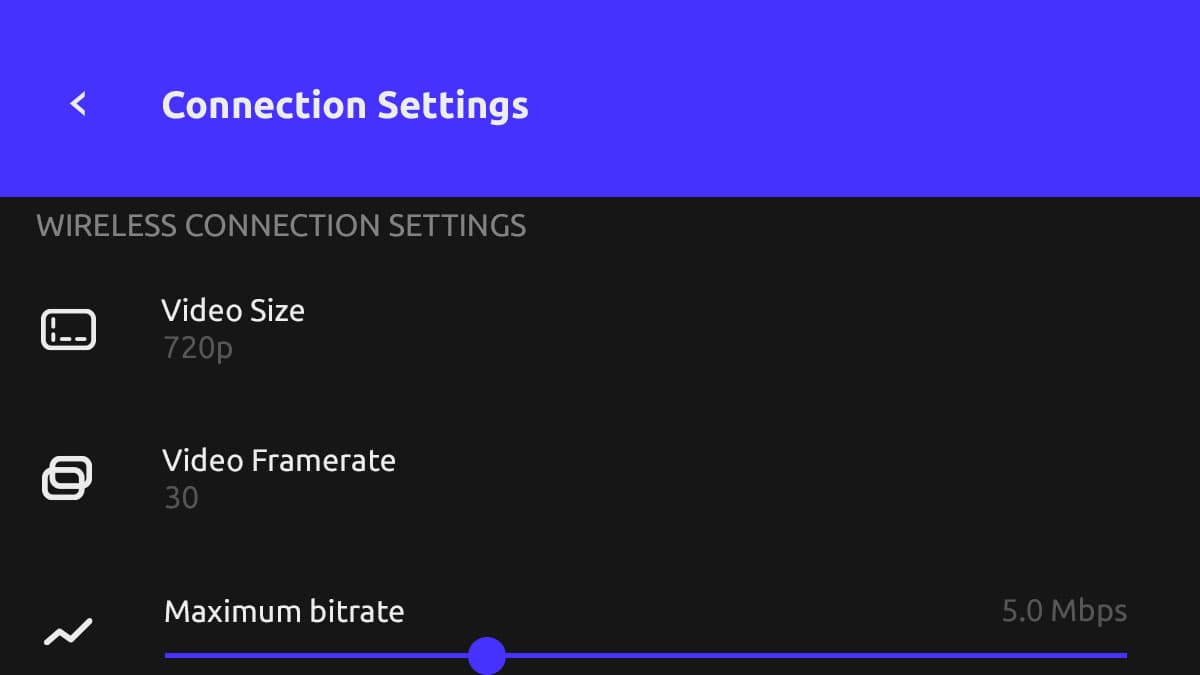
Audio/Video settings

Audio/Video Settings can be configured independently for Wi‑Fi and mobile connections.

This website uses cookies to improve your experience while you navigate through the website. Out of these, those that are categorized as necessary are stored on your browser and are used to run basic functionalities of the website.

We also use third‑party cookies that help us analyze and understand how you use this website. They will only be stored in your browser with your consent and you have the opportunity to opt out of them. However, opting out may affect your browsing experience.

NecessaryAlways active

Necessary cookies are absolutely necessary for the website to function properly. These cookies ensure basic functionalities and security features of the website on an anonymous basis.

CookieRetention periodDescription
cookie_consent1 yearStores whether or not the user has consented to the use of cookies. It does not store any personal data.
NEXT_LOCALE1 yearStores language setting selected by user.
themeuntil clearedStores the light or dark theme selected by user (browser storage).
hCaptchasessionSet by the hCaptcha service on the contact and order forms to identify bots and protect the website against spam.
device_token6 monthsCookie used for user/device verification.
session_idsession / 1 monthCookie used to keep user session alive.
logged_insession / 1 monthCookie used to keep user session alive.