All tutorials

Getting started

Basics of playing PC games on an Android device

Launch a PC game from your phone, use Game Control mode and customize game control layouts.

With Remotly you can run and play any PC game on your Android device in HD or 4K quality.

Run a PC game from your Android device

Open the Remotly app on your device and connect to your PC (see Connecting a mobile device to your PC). In Desktop control mode move the mouse cursor over the game icon and double‑tap to launch it.

Game Control mode and layouts

Remotly automatically switches to Game Control mode when a fullscreen PC game is detected and displays a game control layout. If it does not switch automatically, open the menu and choose Switch to Game Control.
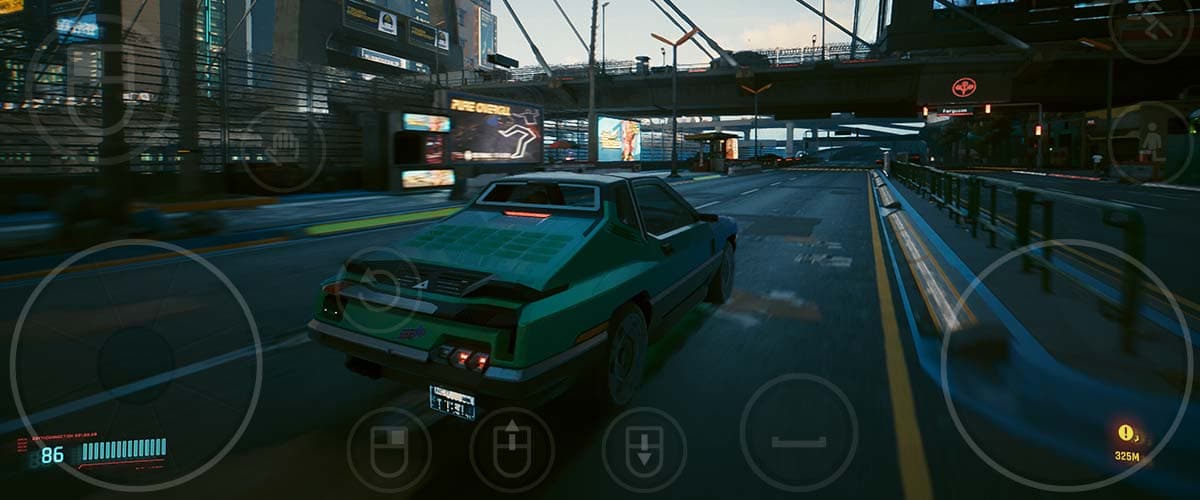
Game Control mode

Layouts consist of buttons, touchpads, sliders and other controls mapped to keyboard and mouse actions:

  • Open Menu button (top right) opens the Remotly menu
  • Open Keyboard button (top right) shows a keyboard for text, shortcuts and navigation
  • Mouse control button (top left) provides a fullscreen touchpad
  • Quick edit mode button (top left) lets you move game controls quickly

Customize game control layouts

Remotly ships with default layouts; for the best experience adjust one for your game. Open the menu and select Game Control Layouts manager.
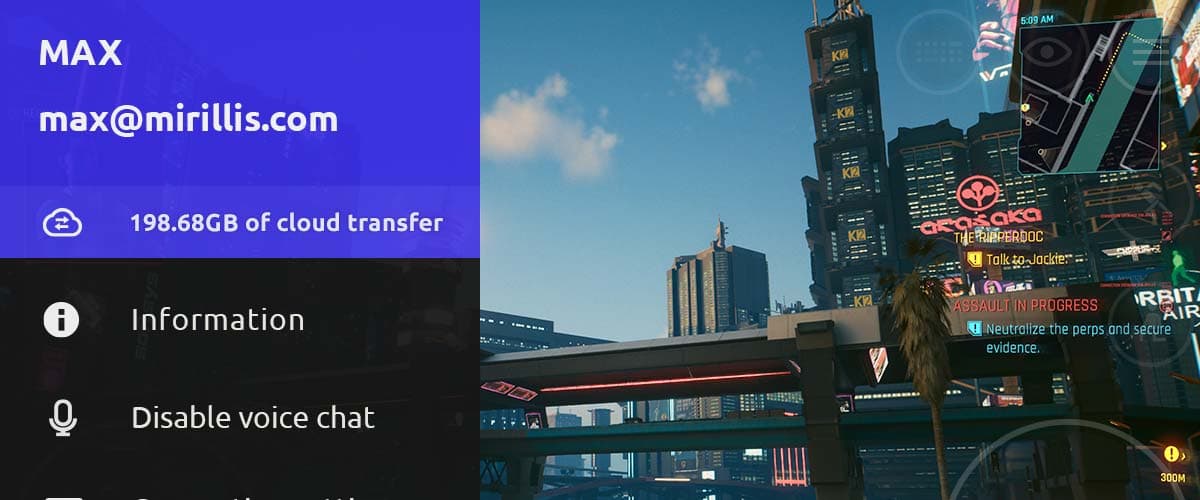
Layout manager

Find the layout that suits your game best and hold it to open the options menu.
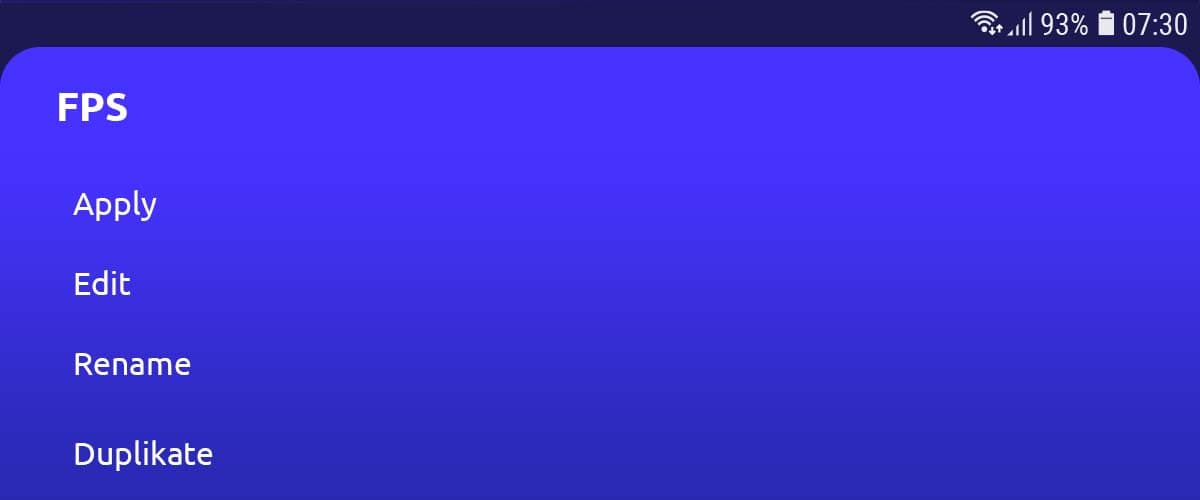
Layout options

Duplicate the layout, name it after your game, select it and tap Edit.
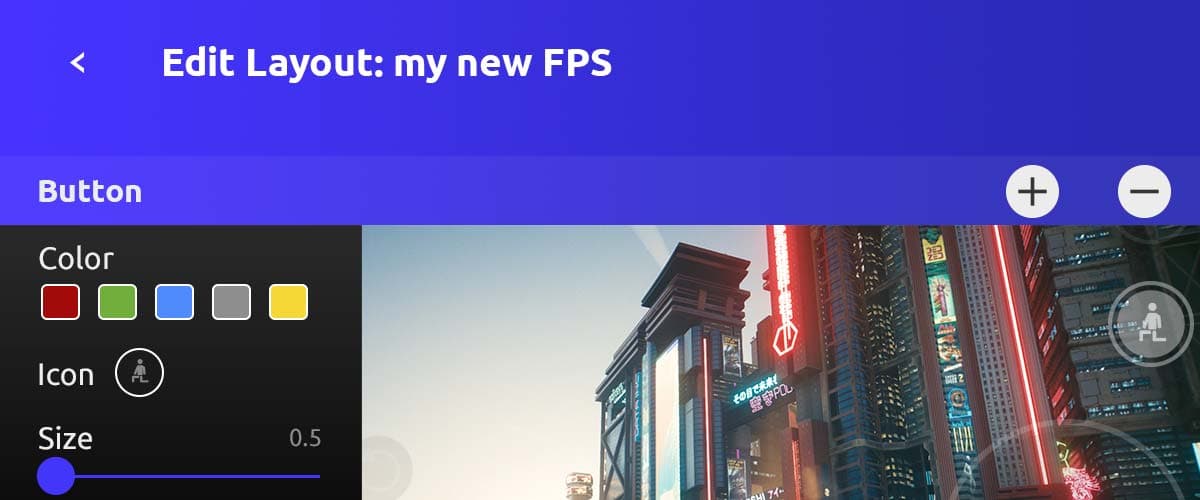
Layout editor

In the editor you can move buttons, resize them, assign new key or mouse events, and add or remove controls. See How to edit game control layouts for details, then play and fine‑tune as needed.

This website uses cookies to improve your experience while you navigate through the website. Out of these, those that are categorized as necessary are stored on your browser and are used to run basic functionalities of the website.

We also use third‑party cookies that help us analyze and understand how you use this website. They will only be stored in your browser with your consent and you have the opportunity to opt out of them. However, opting out may affect your browsing experience.

NecessaryAlways active

Necessary cookies are absolutely necessary for the website to function properly. These cookies ensure basic functionalities and security features of the website on an anonymous basis.

CookieRetention periodDescription
cookie_consent1 yearStores whether or not the user has consented to the use of cookies. It does not store any personal data.
NEXT_LOCALE1 yearStores language setting selected by user.
themeuntil clearedStores the light or dark theme selected by user (browser storage).
hCaptchasessionSet by the hCaptcha service on the contact and order forms to identify bots and protect the website against spam.
device_token6 monthsCookie used for user/device verification.
session_idsession / 1 monthCookie used to keep user session alive.
logged_insession / 1 monthCookie used to keep user session alive.